Composable Primitives
Real-time collaborative canvas
Real-time collaboration made simple: simultaneous editing, live cursors, instant updates, and conflict-free syncing.
Collaboration UI
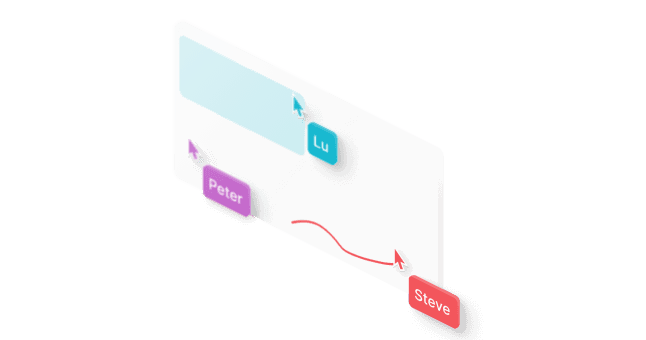
Real-time cursors, selections, chat bubbles, and viewport activity, all rendered with smooth animations.
Live updates
Enable simultaneous editing for numerous users with a built-in conflict resolution system that keeps canvas state consistent.


Steve
Session management
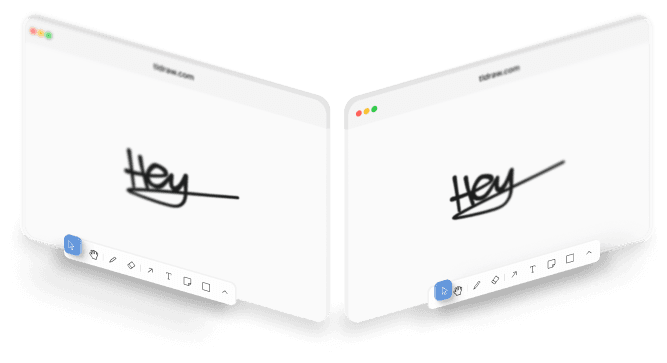
Use tldraw sync for automatic reconnection, multi-tab sync, and cross-device consistency with full state preservation.
Viewport following
Add follow-mode to your app, letting teammates share their viewports for presentations, tours, or guided editing.
Access control
Define granular editor and viewer roles with APIs that plug into your existing authentication system.
Distributed architecture
Power real-time collaboration at scale with up to 50 users editing together on the same canvas.
Quick start with multiplayer
Production ready starter kit to build a canvas application with multiplayer. Building something different?

Full control, simple setup
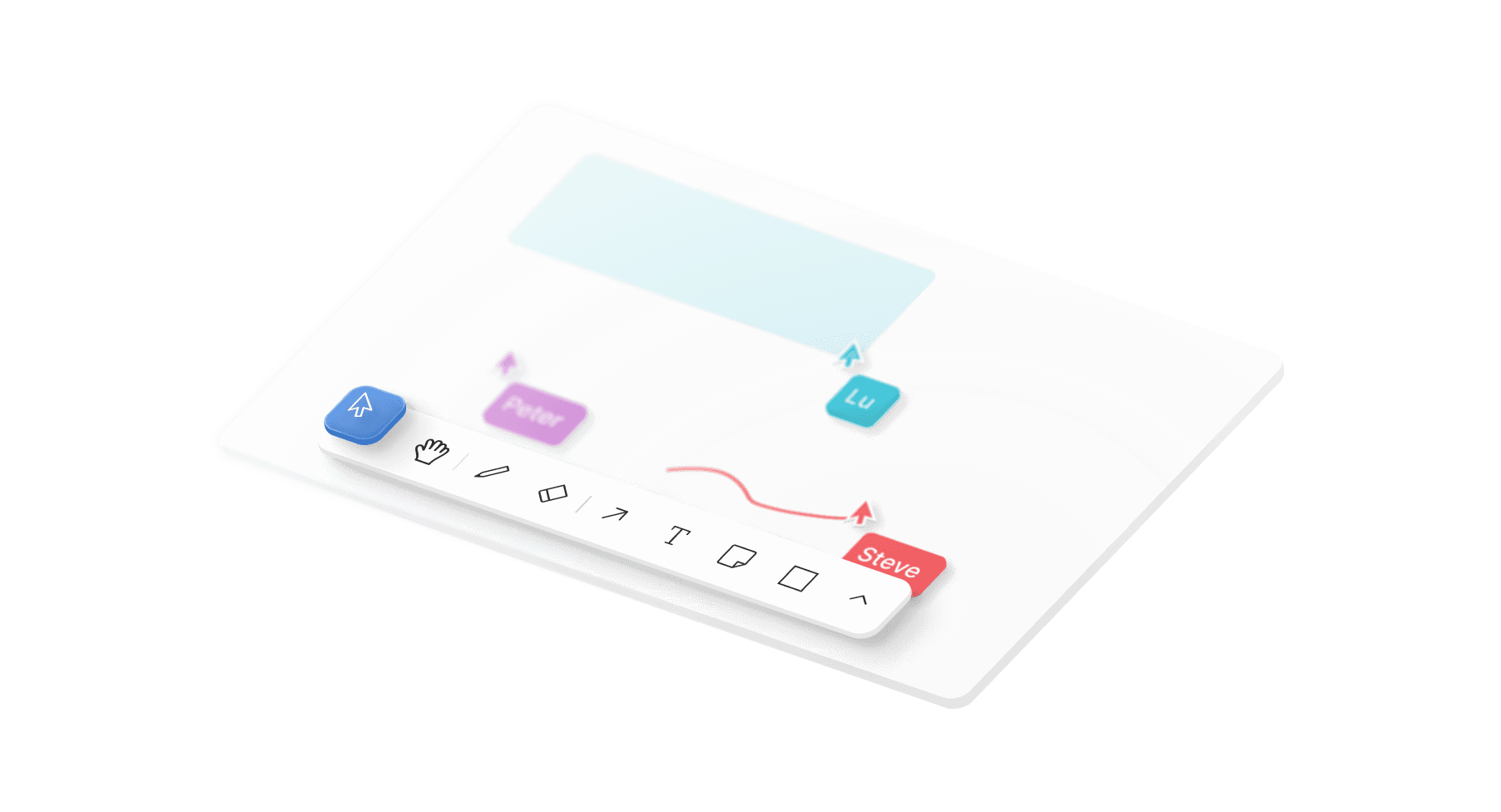
From menus to theming, adapt every layer of the canvas without breaking flow.
Examples
See for yourself
Have a look at our examples on how to implement multiplayer features.
Multiplayer sync demo
Build real-time collaborative editing with live cursors and presence indicators.
Custom presence
Implement application-specific presence data synchronized across all users.
Private content sharing
Manage sharing permissions with editor and viewer access controls.
Solid engineering
Our team spent years to get all the details right, so you don’t have to.
High-performance synchronization engine
Our collaboration system runs on tldraw sync, a production-grade real-time synchronization engine. This engine was specifically optimized for canvas interactions to ensure that drawing strokes, shape manipulations, and text edits are in sync across all users with almost no delay. When users work on the same element, it keeps separate layers for confirmed server data and pending edits, resolving conflicts automatically.
Scalable room distribution system
Each collaborative canvas runs on its own Durable Object instance, creating a dedicated mini-server that can handle up to 50 simultaneous collaborators. This architecture eliminates scaling bottlenecks by distributing load across individual canvas instances, with Cloudflare automatically managing instance creation, routing, and geographic distribution for optimal performance.
Cross-device state synchronization
Comprehensive synchronization extends beyond real-time editing to support multi-tab consistency and seamless device handoff. Camera position and UI preferences sync automatically across browser sessions. Users transition effortlessly between desktop, tablet, and mobile devices with automatic state recovery and reconnection logic.
Asset handling and storage integration
Large assets like images and videos are handled separately from real-time synchronization to maintain performance. Files are uploaded to cloud storage (R2) and cached on Cloudflare's edge network. In this way, loading is fast worldwide, and WebSocket connections stay focused on lightweight canvas interactions data.