Composable Primitives
Selection and transformation
Precise object selection with multi-modal interaction, precise hit-testing, and seamless transformation controls.
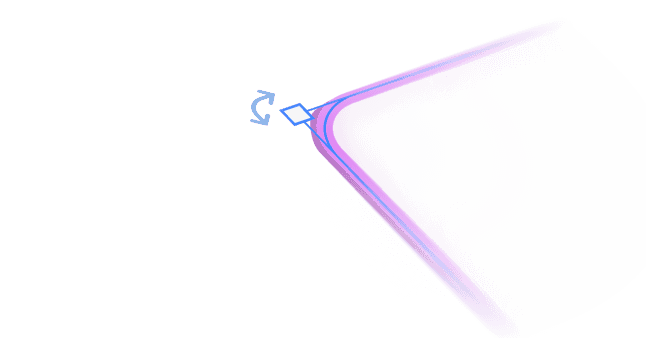
Transformation handles
Transform objects in tldraw with rotating and moving controls that include visual feedback, constraint handling, and proportional scaling, plus snap-to guides for perfect alignment.
Smart hit testing
Use tldraw’s precise cursor targets with layered shape detection and group awareness to help your users click exactly where intended, even on overlapping shapes or tiny details.
Touch and mobile support
Handle touch gestures, mobile-specific interactions, and responsive transformation controls across all device types. Selection areas automatically adjust for touch targets.
Cloning and duplication
Clone shapes with one click, using intelligent positioning, modifier key support, and batch duplication to avoid stacking and duplicate multiple objects at once.
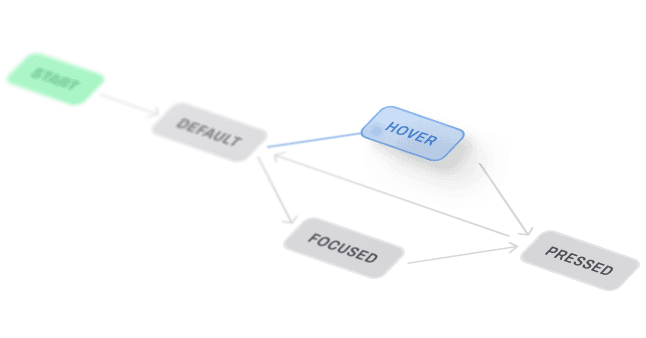
State machine architecture
Manage complex selection flows with organized hierarchies, easily transitioning between idle clicking, box-dragging, and shape-moving without confusion.
Intuitive multi-modal selection for your app
Professional-grade selection tools. Hit-testing and transforms that just work.
Solid engineering
Our team spent years to get all the details right, so you don’t have to.
Hierarchical state management
Selection tools operate through elaborate state machines that handle overlapping interaction modes such as brushing, translating, resizing, and rotating. Each state maintains its own interaction logic while sharing common selection context.
Hit testing
The system performs multi-layered hit detection that considers shape geometry, group hierarchies, and locked objects. Hit testing evaluates cursor position against shape bounds, handles, and interactive regions while respecting z-index ordering and group ordering for predictable selection behavior.
Modifier-based interaction
Modifier keys transform selection behavior dynamically. For example, shift enables additive selection, alt switches to scribble brushing mode, and cmd/ctrl provides cloning operations. These modifiers combine naturally with primary interactions to create multi-modal workflows.

Starter kits
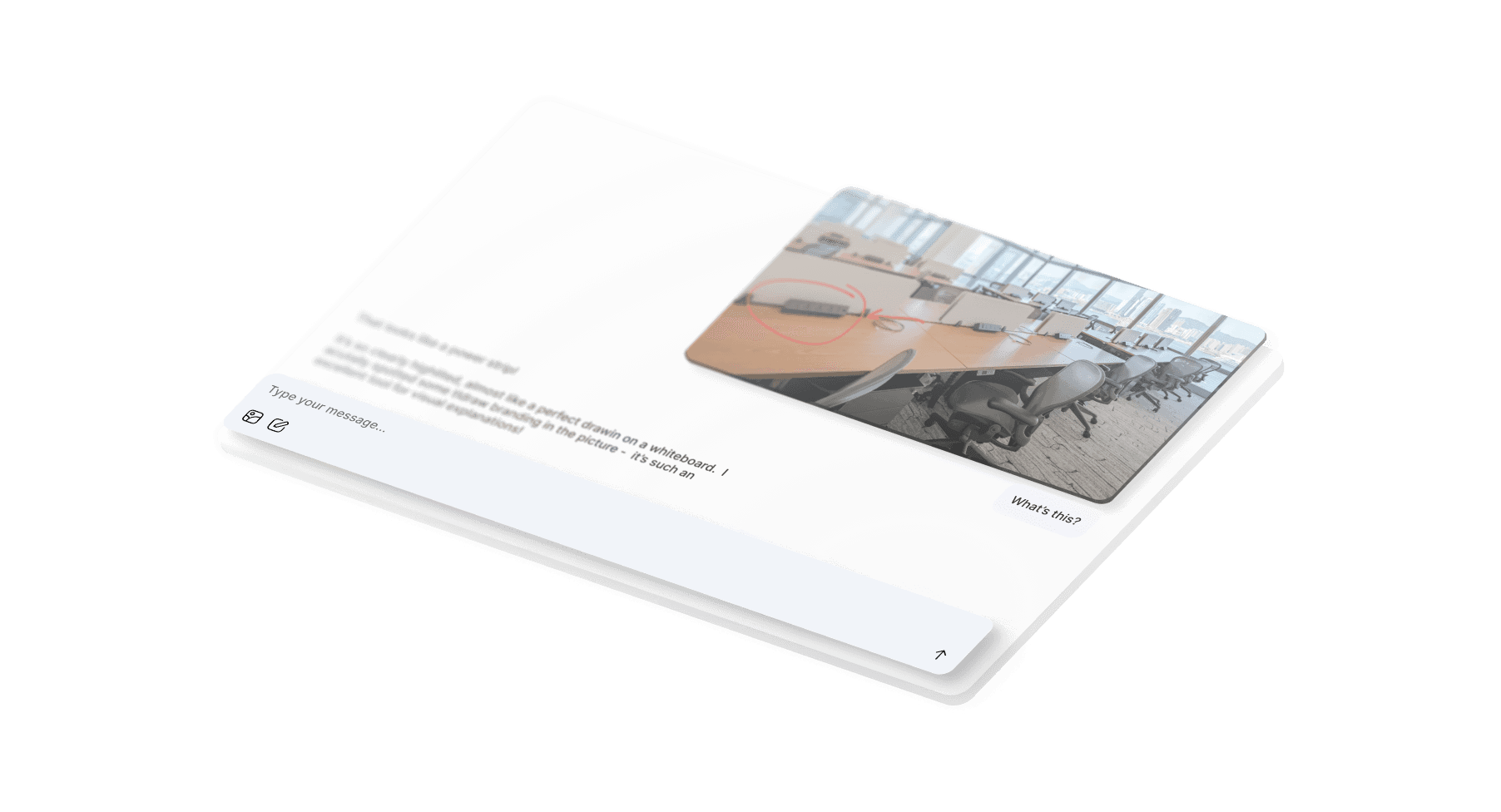
Production ready starter kit to integrate agents into your canvas. Building something different?
Examples
See for yourself
Have a look at our examples on how to implement layout management features.
Lasso select tool
Build custom selection tools with freeform lasso selection and state machine architecture.
Screenshot tool
Implement area selection with drag-based region picking and custom transformation feedback.
Canvas events
Track selection changes and transformation events for analytics and collaborative synchronization.
Built for precise clicks
Multi-modal tools for hit-testing, transforms, and smooth interactions.