Composable Primitives
User interface complete
Complete UI library with responsive components, customizable toolbars, and comprehensive menu architecture for professional applications.
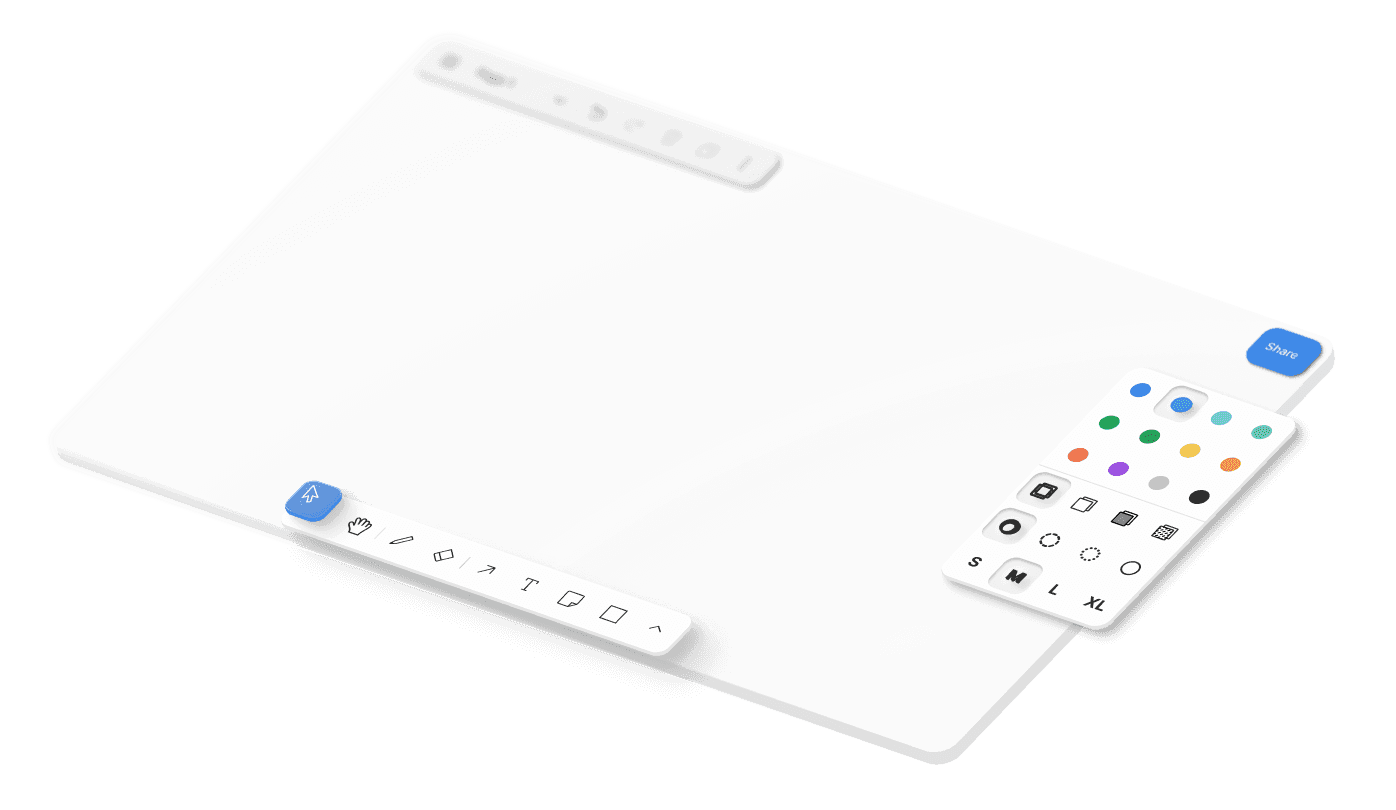
Context menu system
Create rich dropdown and context menus with keyboard navigation, nested submenus, and positioning. Perfect for design apps where users expect right-click workflows.
Component overides
Replace every UI component with your custom implementation. Swap out toolbars, menus, panels, or canvas overlays to match your app’s brand.
Responsive breakpoints
Implement adaptive layouts that automatically adjust to different screen sizes and device orientations. Interface elements hide, resize, or reposition based on available space.
Internationalization support
Menu labels, tooltips, and interface text automatically adapt to user language preferences with proper text direction handling.
UX that makes sense
Provide the best possible user experience with your canvas.
Solid engineering
Our team spent years to get all the details right, so you don’t have to.
Component provider system
The UI framework uses hierarchical React contexts to manage component overrides, themes, and state throughout the interface. This provider architecture delivers components their required props while supporting deep customization without prop drilling. The system handles component registration, override resolution, and fallback management automatically, letting you replace individual pieces or entire interface sections. In other words, you can customize every piece without breaking the whole.
Intelligent overflow management
The toolbar system uses space calculations and dynamic component hiding based on available screen real estate. Components register their minimum sizes and priority levels, then the system automatically moves lower-priority items to overflow menus when space becomes constrained. This responsive behavior includes breakpoint detection, orientation change handling, and smooth transitions between expanded and collapsed states.
Menu system and interaction patterns
The menu architecture is designed to support a variety of interaction styles, all from a single unified system. Standard dropdown menus provide familiar hover and keyboard navigation, while context menus adapt dynamically to what’s selected. Panel-based menus integrate into toolbars and sidebars, and on mobile, menus are touch-optimized with larger targets and gesture-friendly interactions. This consistency makes menus predictable for users while giving teams flexibility in how they present actions.

Starter kits
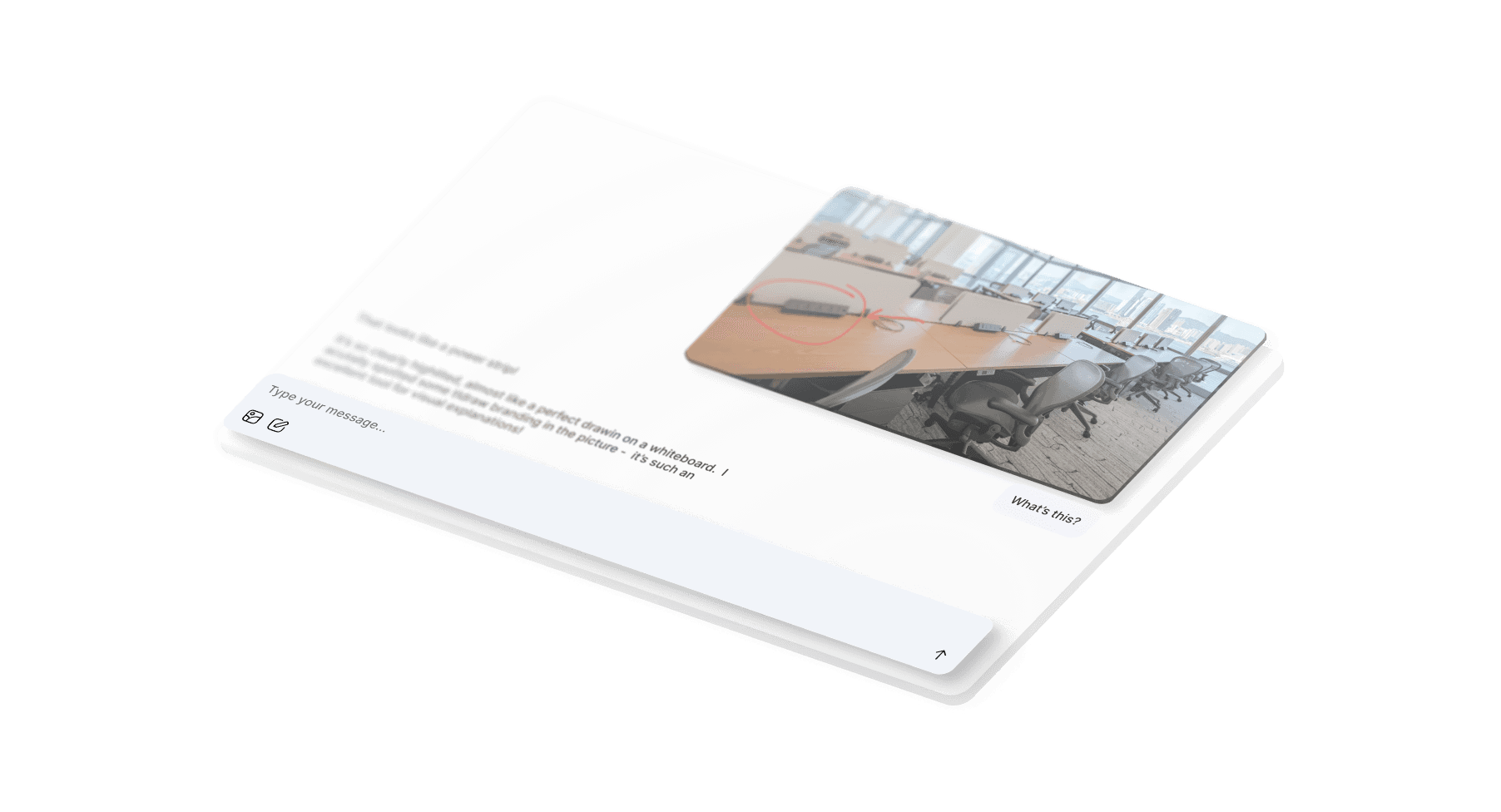
Production ready starter kit to integrate agents into your canvas. Building something different?
Examples
See for yourself
Have a look at our examples on how to implement UI customization features.
Custom UI
Replace the entire tldraw interface with your own custom components and interaction patterns.
Selection UI
Show extra user interface elements around the user's selection.
Layer panel
Build a layers panel that shows shapes, groups, and frames in a tree view.
UX that clicks
Context menus and overflow handling built to keep users comfortable.